
If your pet has trouble breathing, collapses, has seizure activity, cannot urinate, suddenly cannot stand, is extremely lethargic, is repeatedly vomiting, or anything feels urgent, contact your veterinarian or an emergency animal clinic right away. Tracking should help you prepare for care, not delay it.
Caregiving gets clearer when the details have somewhere to go.
When you are caring for a senior or special-needs pet, small changes can matter — but they are also easy to forget. The tracker gives you a calm, structured place to write down what you noticed.
Vitals & eating
Log appetite, water intake, and other basic daily changes that may be useful to mention.
Routine care
Keep track of medications, bathroom changes, and the everyday care details that are easy to mix up.
Comfort & behavior
Record pain signs, mobility changes, sleep, energy, restlessness, or behavior that feels different.
Log today, review recent changes, prepare for the vet.
The tracker is designed for real-life caregiving: quick enough to use, structured enough to be useful, and simple enough to come back to when things feel stressful.
Log today's care
Choose quick options for the main care areas and add notes when something needs more context.
Review recent changes
Look back at previous logs so changes do not disappear into memory or stress.
Prepare for the vet
Use the summary and notes to explain what happened more clearly during an appointment.
A quick look at the three-screen flow.
These screenshots show the basic rhythm: check in for today, review recent logs, and prepare a simple vet summary.
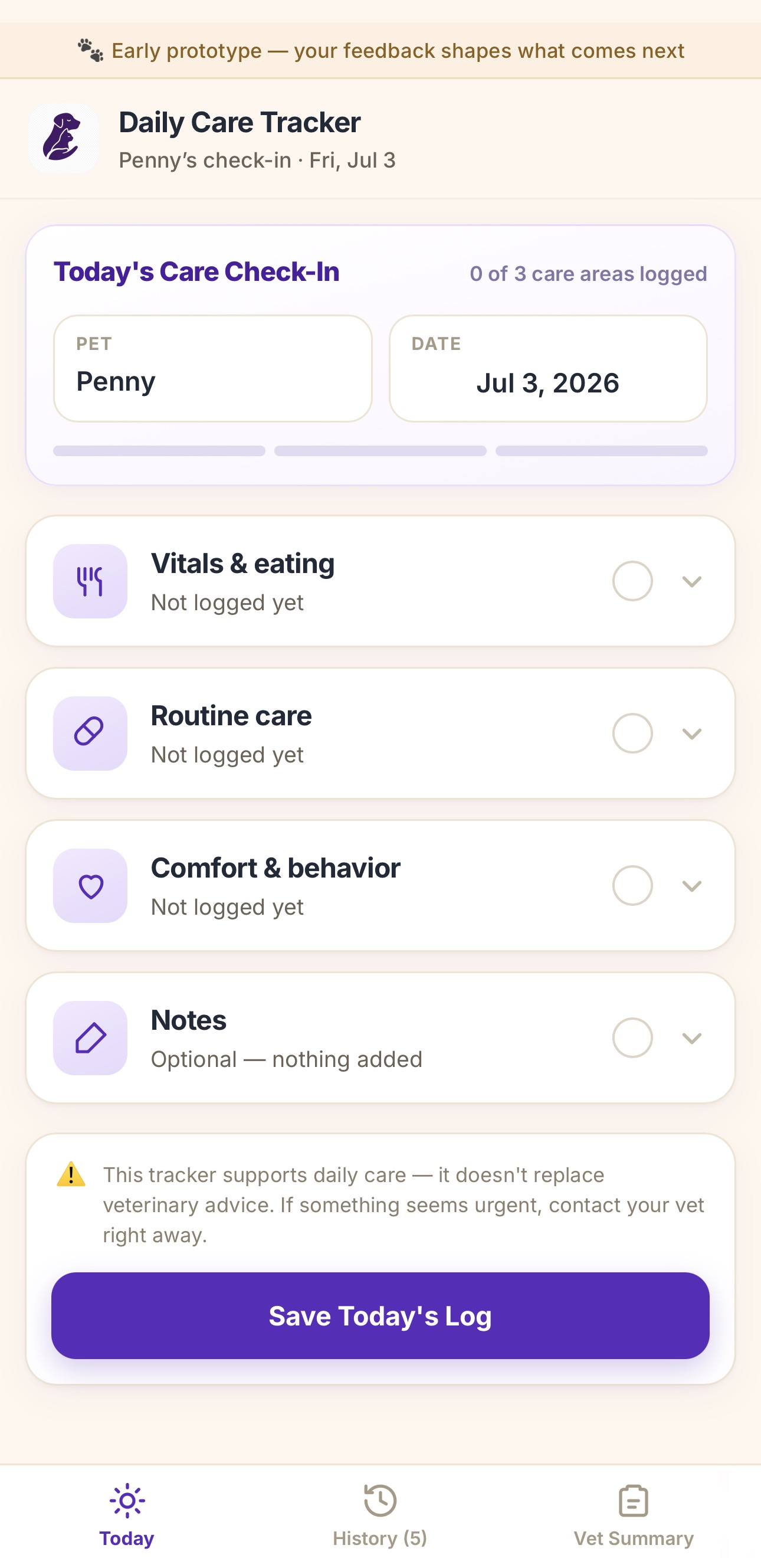
Log today's care
A simple check-in for the main care areas.
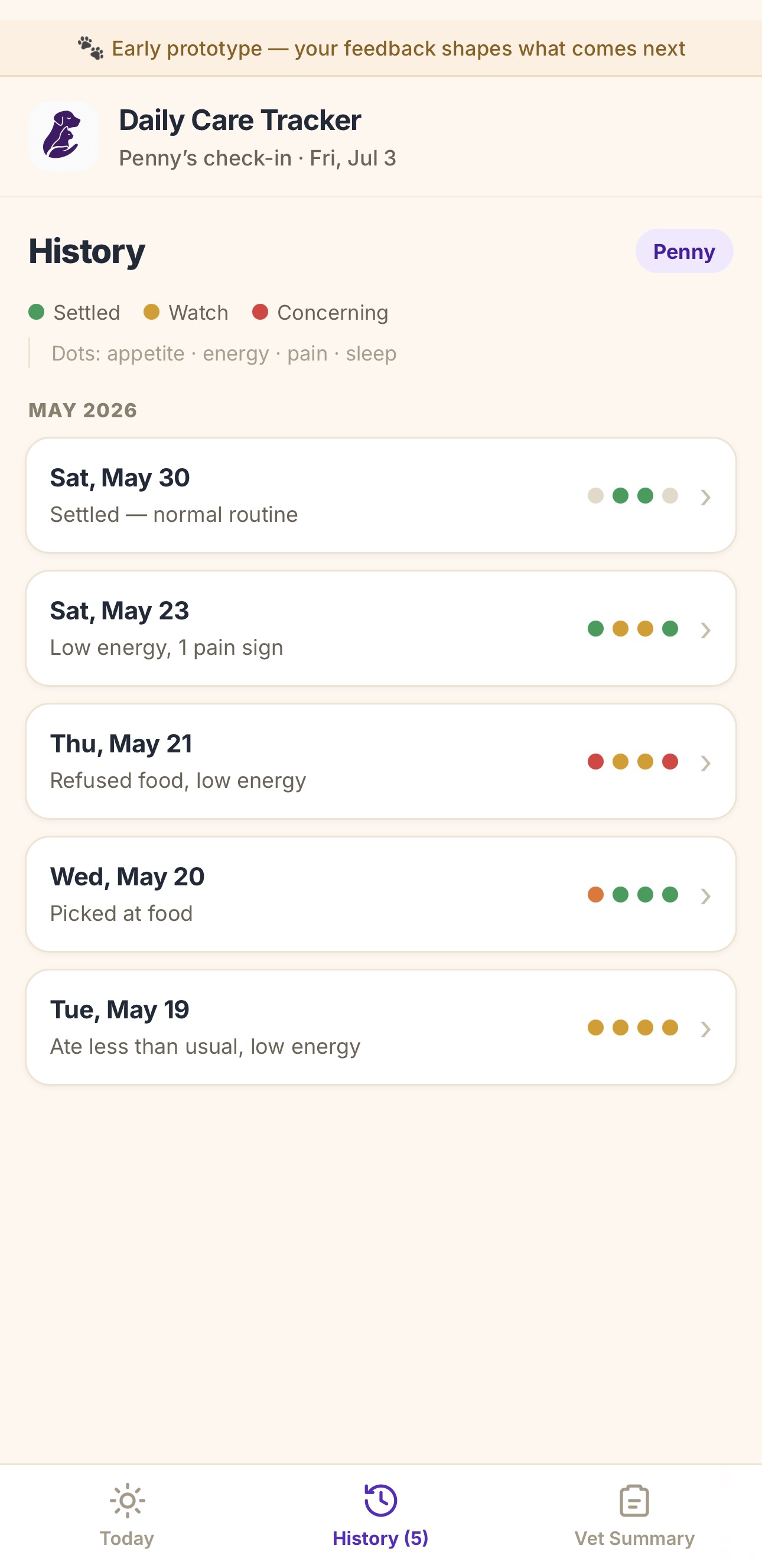
Review recent changes
See recent logs and color-coded patterns at a glance.
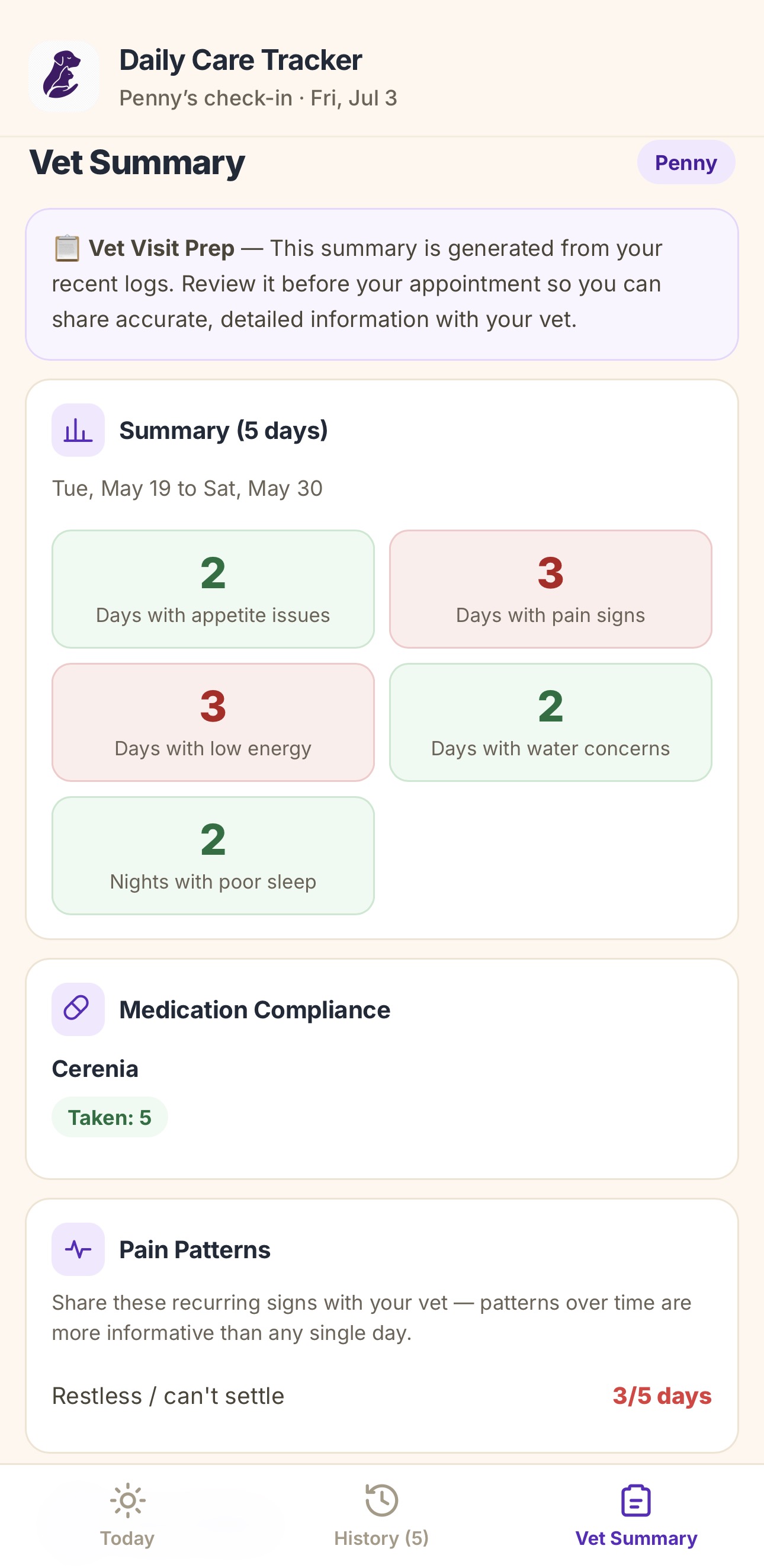
Prepare for the vet
Turn recent logs into a clearer conversation starter.
Open it on your phone and check in when you can.
You do not need a perfect record. A few useful notes are better than trying to remember everything later.
Save it on iPhone
Open the tracker in Safari → tap Share → tap Add to Home Screen → name it Daily Care Tracker.
Save it on Android
Open the tracker in Chrome → tap the three-dot menu → tap Add to Home screen or Install app → name it Daily Care Tracker.
Your feedback shapes what comes next.
The Daily Care Tracker is an early version. Feedback from real caregivers will help make it more useful, clearer, and easier to use.
Privacy note
Your entries are saved in this browser on this device only. They do not sync across devices or browsers, and they may be lost if browser data is cleared.
Use the tracker with the Resource Library.
The guides help explain what to notice. The tracker gives you a place to record what you are seeing day to day.
Built for the messy middle between appointments.
Caregivers often know something changed before they can explain it. A short daily log can make those changes easier to describe.